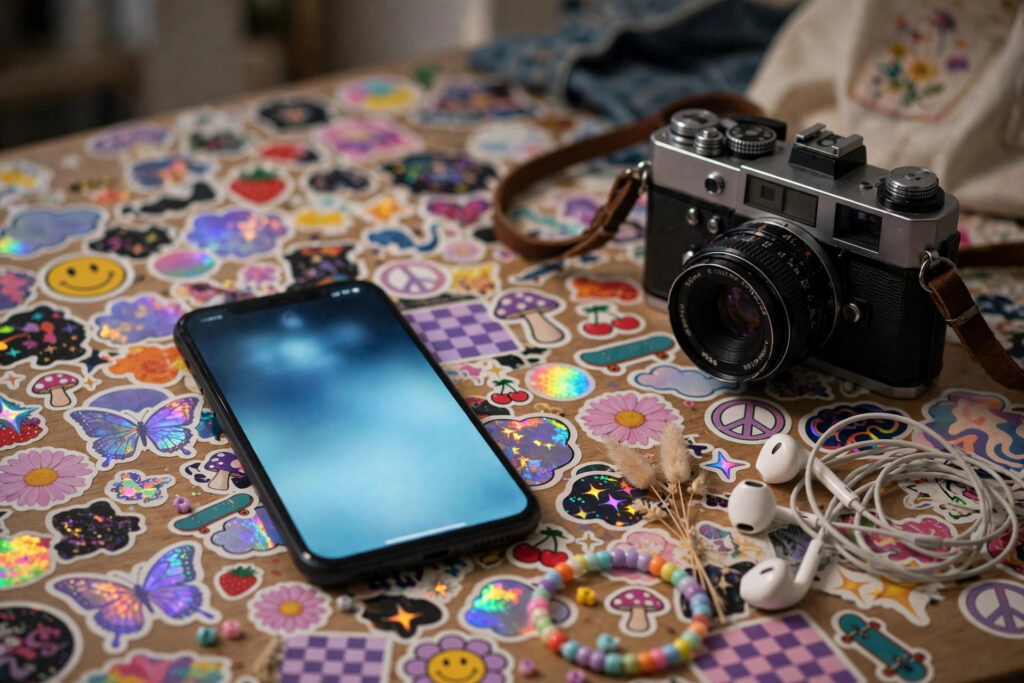
Your lock screen is the first thing you check in the morning and the last thing you stare at half-asleep, so Gen Z treats it like a tiny poster, not a default setting. Widgets stack your day, photos keep your people close, and one small image or line quietly says who you are right now.
Nobody picks the factory wallpaper anymore. Or almost nobody.
You wake up. You tap your phone before your eyes have fully opened. What’s there? Not a stock wave or a generic mountain, that’s for sure. It’s a photo from last weekend, a calendar widget that already looks stressed, and maybe a tiny sticker-like image you saved at 1 a.m. for reasons you can’t quite explain now.
That’s the whole point, really. The lock screen isn’t dead space you swipe past. It’s the cover of your day, and you’re the one who designed it.
The Screen You See a Hundred Times Without Noticing
Here’s the weird part. You don’t sit and admire your lock screen. You glance at it while you’re waiting for coffee, half-watching for a text, checking if it’s going to rain before you leave.
Short glances. Constant glances.
Because it shows up so often, small choices start to matter more than big ones. A cropped photo hits differently at 7 a.m. than it does in your camera roll. A widget that’s ugly but readable beats a pretty one you have to squint at. And a background that’s too busy? You’ll hate it by Tuesday, even if you loved it on Sunday night.
So people edit. A lot. They nudge a widget down a few pixels, swap a photo because the colors clash with the clock, delete a countdown that started feeling like pressure instead of motivation. It’s fiddly. It’s also weirdly personal, because nobody else is making those calls for you.
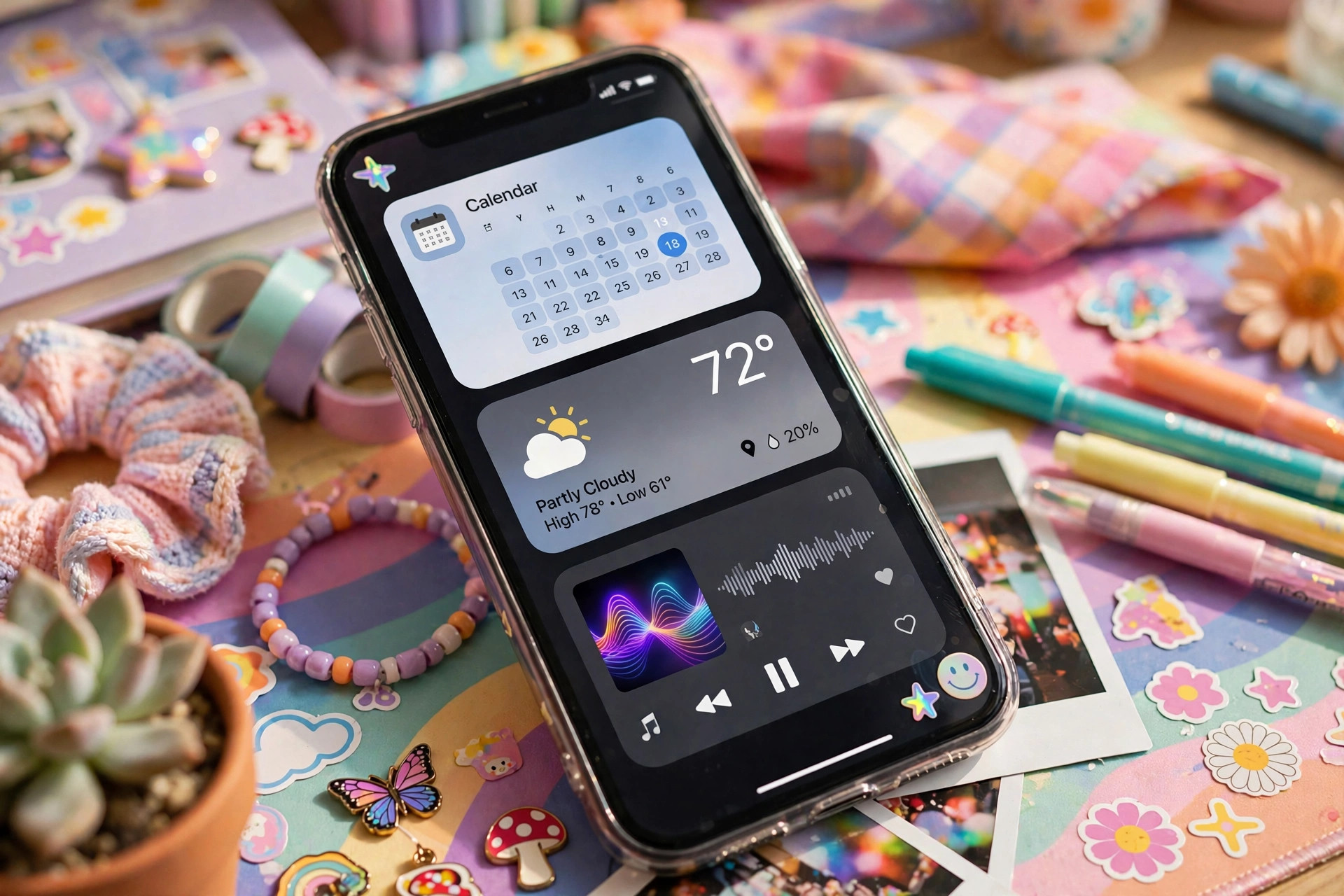
Widget Stacks: Your Day, Arranged Like a Playlist
Widgets changed the lock screen from a picture into a dashboard. Not a boring dashboard, though. Yours probably doesn’t look like anyone else’s, and that’s kind of the fun of it.
Some people lead with the practical stuff. Calendar up top. Weather underneath. A battery widget because their earbuds are always dying at the worst possible moment, and they’d rather know now than find out on the bus.
Other people go softer. A music widget so the song that’s been stuck in their head all week is right there. A photo widget that rotates through a small album. A reminder that just says drink water, which they will absolutely ignore, but still. It’s there. It counts as trying, doesn’t it?
Stacking Is Editing, Not Just Adding
You can’t fit everything. That’s the constraint that makes it interesting.
When you stack widgets, you’re ranking your own life in public, even if nobody else ever sees the ranking. What’s on top is what you check first. What’s buried in a stack is what you want nearby but not loud. And what you deleted last week? That’s information too. The fitness widget that made you feel guilty every morning didn’t survive, and honestly, good riddance.
Stacks also let you cheat a little. Swipe through a stack and the same corner of your screen becomes three different things across the day — schedule in the morning, playlist at the gym, sleep timer stuff at night. One spot. Three moods.
Photo Dumps, But Make It One Frame
Then there’s the photo choice, and this is where it gets emotional fast.
Some lock screens are pure photo dump energy squeezed into a single frame. A collage of six tiny moments. Faces squished together at a birthday. A screenshot of a screenshot, because the original photo got lost somewhere and nobody’s going back to find it now.
Others go the opposite way. One photo. Nothing else. A dog mid-sneeze. A best friend laughing so hard the picture’s blurry. A sunset from a trip that already feels like it happened to a different person, even though it was only a few months ago.
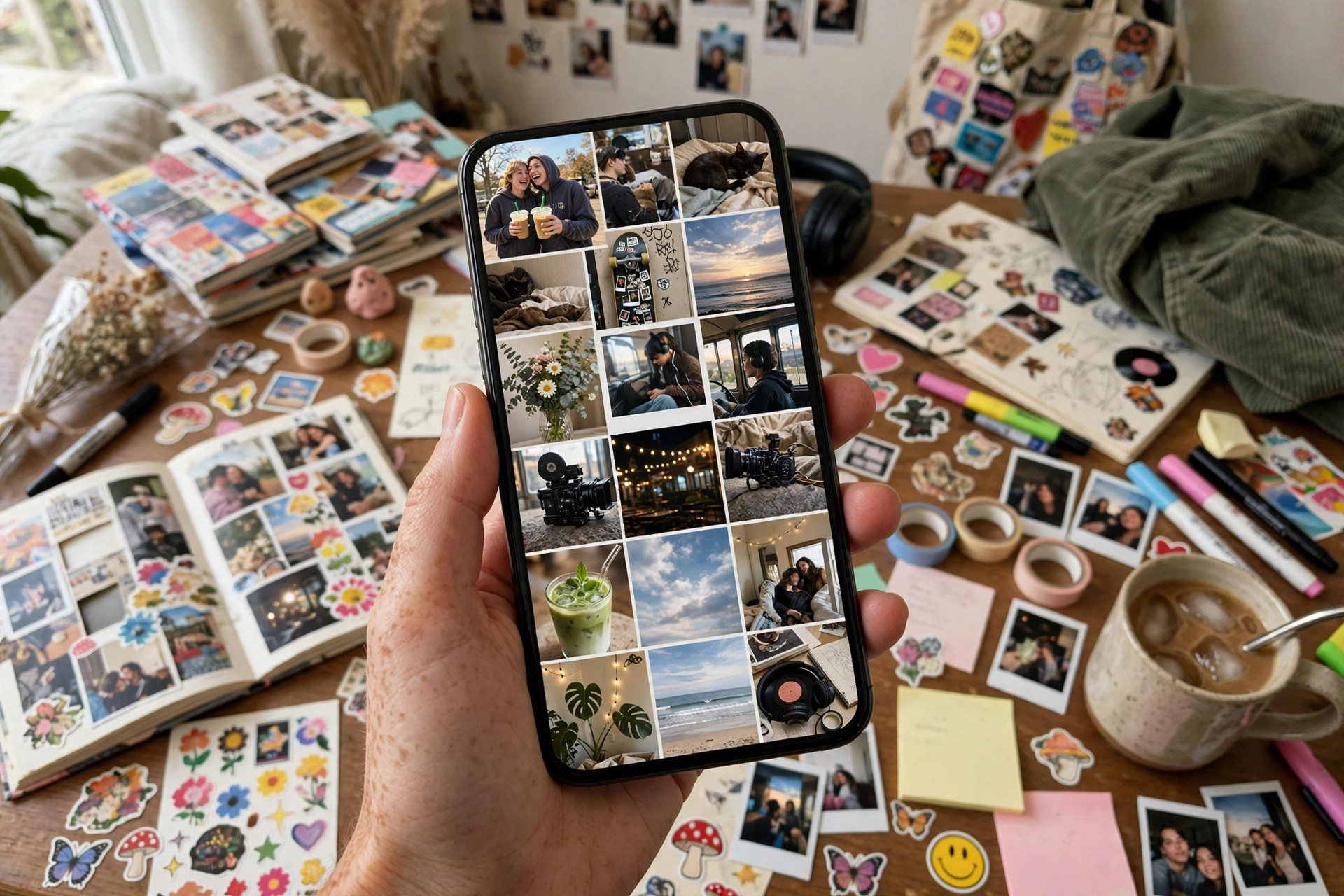
Neither approach is more correct. They’re just different answers to the same question: what do you want to feel in the two seconds before you open your phone?
Why Blurry Photos Keep Winning
Have you noticed it’s rarely the perfect photo?
The posed ones lose. The blurry, badly lit, someone’s-thumb-in-the-corner ones win, again and again. That’s because a lock screen isn’t a frame on a wall. It’s a memory trigger. You’re not judging composition at 8 a.m. You’re remembering the night, the joke, the exact second before everyone started laughing.
Perfection is cold. Blur is warm. That’s not a photography rule, it’s just how memory works when you’re half-awake and your train is already late.
Tiny Statements: One Line, One Sticker, One Joke
Sometimes the whole lock screen turns on something tiny.
A single line of text. A small doodle. A sticker your friend sent that you couldn’t stop thinking about, so now it lives on your phone where you’ll see it before every single text you answer.
These are the statements nobody makes out loud. A reminder to breathe before a hard shift. A lyric that won’t leave your head. A dumb inside joke that would take ten minutes to explain to anyone outside the group chat, and you’re not explaining it. Ever. If you know, you know.
What’s striking is how short-lived some of them are. Last month’s lock screen said one thing about you. This month’s says something else, and you didn’t announce the change to anyone. You just felt different on a random Thursday and swapped it while waiting for pasta water to boil.
The Screenshot Economy of Lock Screens
People trade these setups the way they trade playlists.
Someone posts their home and lock screen together and suddenly everyone’s asking where that widget came from, what app made that clock look like that, how they got the photo to sit so neatly behind the time. You don’t copy it exactly — that would feel wrong, like wearing someone else’s jacket. You steal the idea and bend it until it’s yours.
That’s how trends move here. Not through big announcements. Through screenshots, saves, and a lot of quiet remixing at midnight.
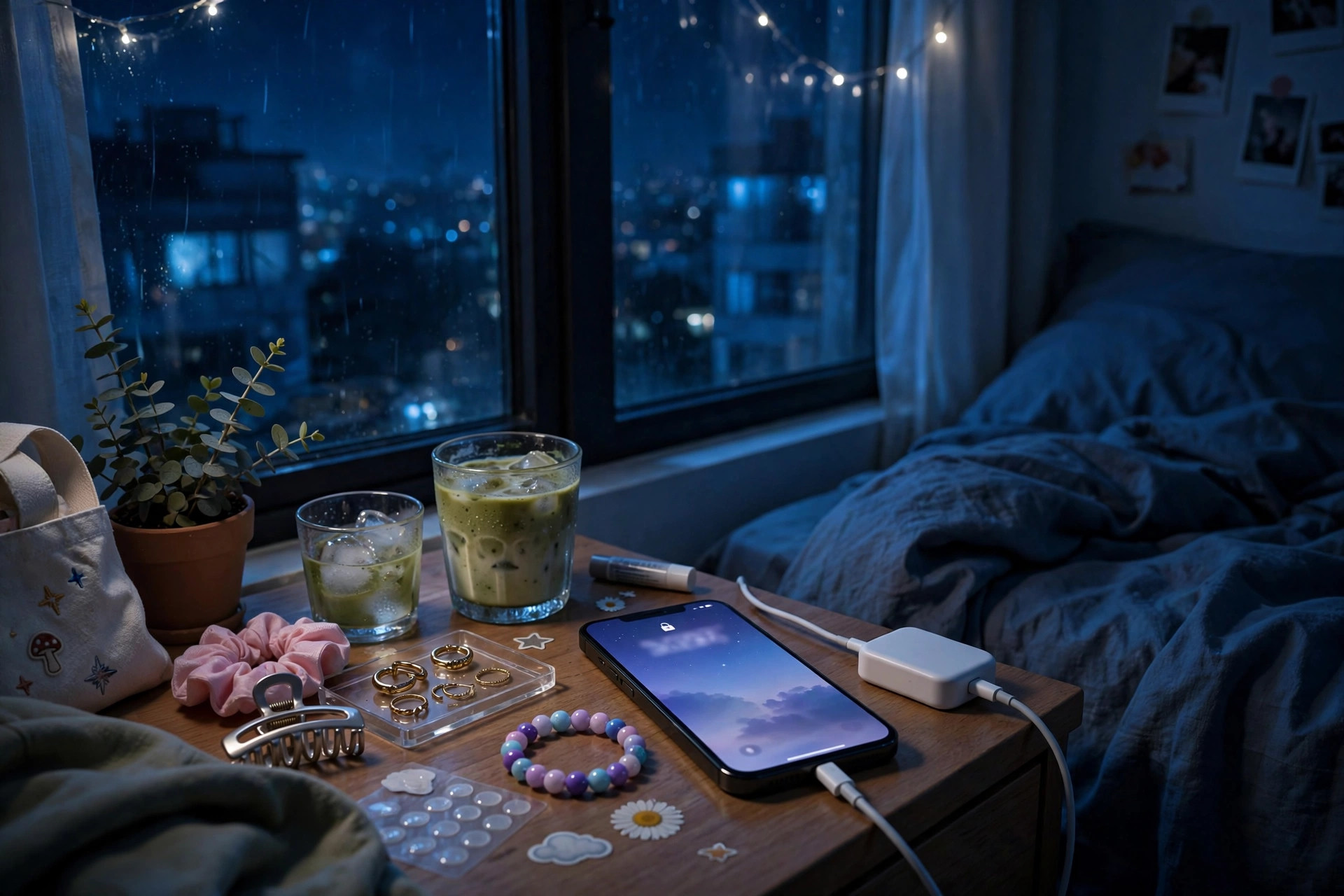
Day Mode, Night Mode, and Every Mood Between
Your lock screen at noon isn’t your lock screen at midnight. It can’t be.
Daytime setups run bright and busy. You’ve got plans, you’ve got places to be, and your widgets are basically shouting useful things at you so you don’t forget any of it. Missed calls. Meeting in twenty. Leave now or you’ll be late, again.
Night setups go quiet. Darker photos. Fewer widgets. Maybe just the time, a dim image, and nothing that glows like a billboard when you’re trying to wind down. Some people even keep a separate sleep focus that strips the screen back to almost nothing, because a buzzing, flashing phone at 2 a.m. helps exactly nobody.
And then there are the in-between moods. Exam week lock screens look like control rooms. Vacation ones look like postcards you sent to yourself. A breakup changes a photo faster than almost anything else in life, and a new crush can do the same thing from the other direction. You don’t need a diary. Your old screenshots already kept one for you.
Matching Your Phone to the Rest of Your Stuff
For a lot of people, the lock screen doesn’t live alone anymore. It’s part of a set.
The case matches a color in the wallpaper. The wallpaper echoes a poster above the desk. The watch face, if there’s a watch, picks up the same tone so everything feels like it belongs to the same person — because it does, and that person thought about it more than they’d admit.
Is that extra? Sure. But here’s the thing: you’re not doing it for an audience. Most days, nobody sees your lock screen except you and maybe the person next to you on the train who wasn’t even looking. You’re doing it because small, put-together things feel good in a life that doesn’t always feel put together. Control the tiny rectangle. The rest is harder.
When It Stops Being Fun
There’s a flip side, and it’s worth naming.
If you’re changing your lock screen five times a day because it never feels right, that’s not self-expression anymore. That’s restlessness wearing a cute outfit. Same with widgets: if every glance at your phone spikes your stress, the dashboard is doing its job too well. Strip it back. One photo you like. The time. Done.
The best lock screens aren’t the most designed ones. They’re the ones you stop fiddling with because they already feel like you, and you’ve got better things to do than rearrange a rectangle. Like actually living the stuff that ends up in the photos.
Frequently Asked Questions
What makes a good Gen Z lock screen?
One that feels like you in a two-second glance. Pick a photo you actually love, keep widgets down to the few you’ll really check, and don’t be afraid of a small detail — a line, a sticker, a joke — that only makes sense to you.
How often do people change their lock screens?
It varies a lot. Some people swap photos with every new favorite memory, while others keep the same setup for months until a mood, a season, or a big life change makes the old one feel wrong. There’s no schedule you have to follow.
Are widgets better than a plain photo lock screen?
Neither’s better. Widgets help if you want quick information without opening apps, and a plain photo works if you’d rather feel something than check something. Plenty of people mix both: a favorite photo up front, one or two quiet widgets tucked in.
How can you make a lock screen feel personal without much effort?
Start with one real photo, not a stock image. Add just one small thing that’s yours — a reminder in your own words, a saved sticker, a song widget for the track you can’t stop playing. That’s usually enough.
Tomorrow morning you’ll tap that screen before you’re fully awake. Again. It might as well greet you like it knows you.
This article was created with AI assistance and reviewed by our editorial team before publishing.